
Use TexUnity as an app
Add TexUnity to your home screen – no App Store or Play Store required. The site then looks like a native app and is accessible with one tap.
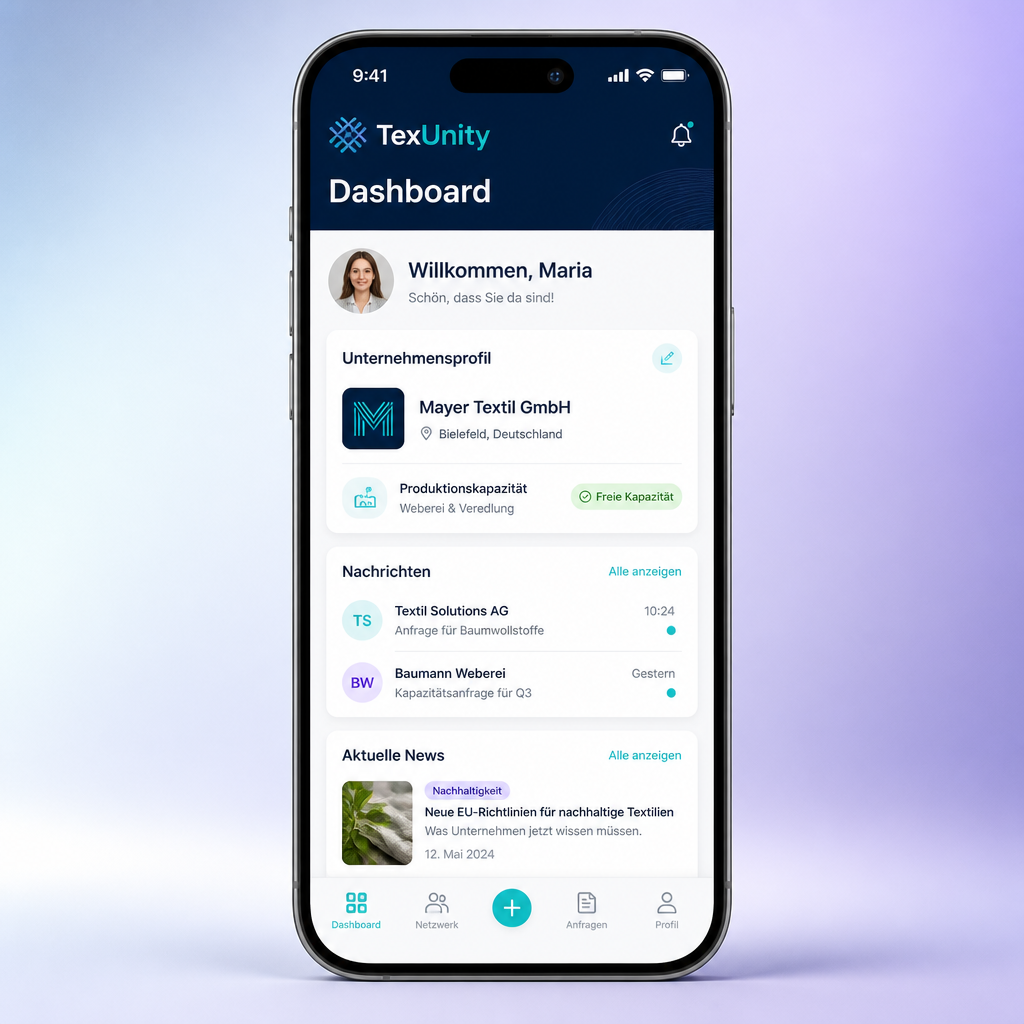
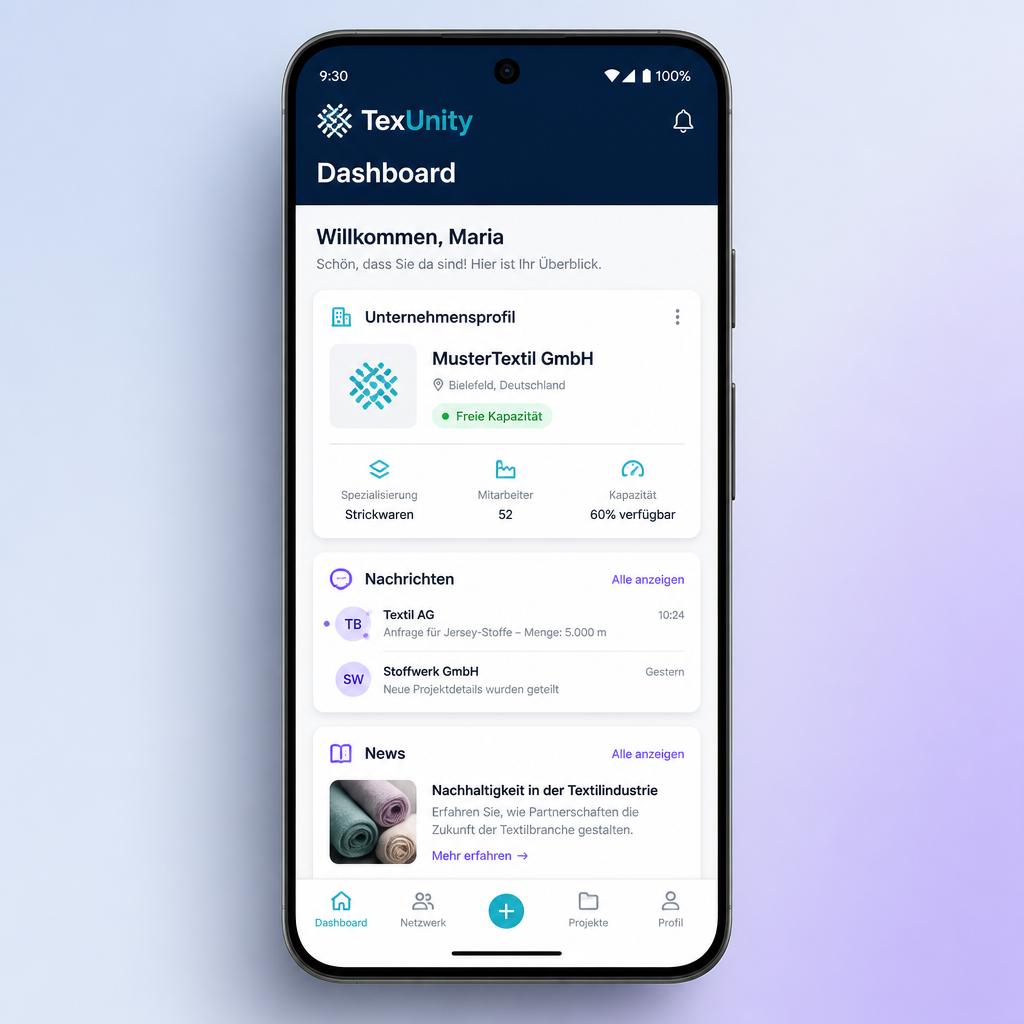
Installation on iPhone
- Open this page in Safari.
- Tap the share icon at the bottom.
- Select ‘Add to Home Screen’.
- Tap ‘Add’ – done.
Installation on Android
- Open this page in Chrome.
- Tap the three dots at the top right.
- Select ‘Add to Home screen’ or ‘Install app’.
- Confirm the dialog – done.
What the TexUnity app offers
Find partners
Search specifically by process, region and current capacity.
Order exchange
Publish orders, receive offers and manage commissions.
Messages
Stay in direct contact with partner companies.
Account & admin
Manage your profile, subscription and feedback conveniently in one app.
FAQ & Troubleshooting
Problems with installation or use? Here you’ll find the fastest solutions.
I don’t see an ‘Add to Home Screen’ option
Make sure you are using Safari (iOS) or Chrome (Android). Other browsers such as Firefox or in-app browsers (e.g. in Instagram/WhatsApp) often do not support installation. Open the page directly in the system browser.
The app does not start in full screen
Always launch TexUnity via the icon on your home screen, not via the browser. If the address bar still appears, delete the shortcut and add the page to your home screen again.
Push notifications are not working
Enable push in your settings under ‘Notifications’. On iOS, web push notifications only work from iOS 16.4 and only if the app was added to the home screen via Safari.
The page loads old data or looks odd
Clear your browser cache or open the page in a private window. On Android: Chrome → three dots → History → Clear cache. On iOS: Settings → Safari → Clear History and Website Data.
I accidentally deleted the app
No problem – your data is retained because it is linked to your account. Simply open this page again in Safari/Chrome and add it back to your home screen.
Ready for the app?
Install TexUnity now and keep your network within reach.